Step 1.
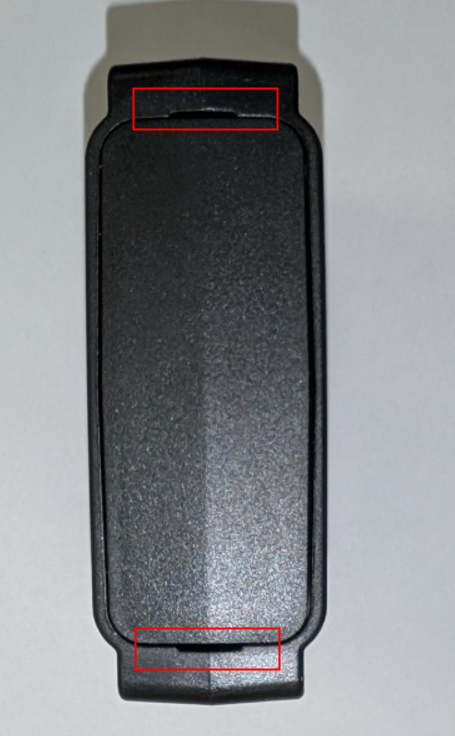
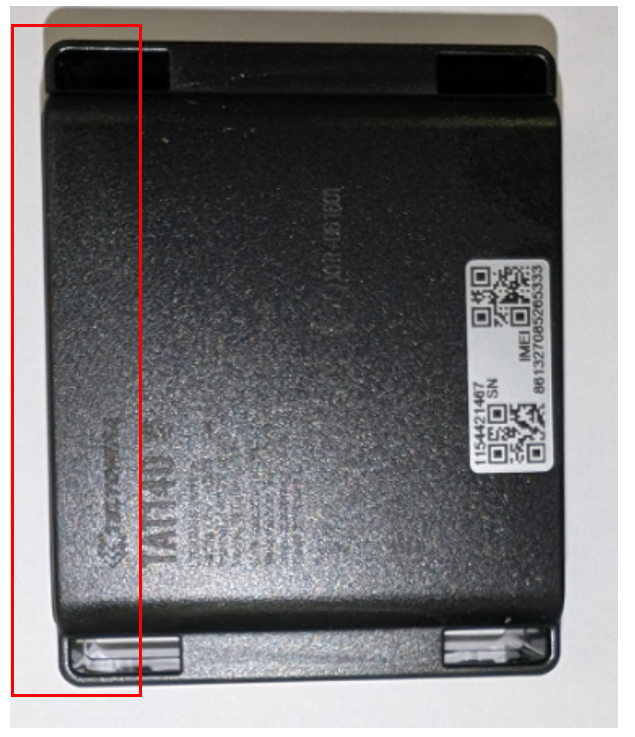
Locate the lid at the top of the unit, and gentle pry open using the 2 sections highlighted below to remove.
Step 2.
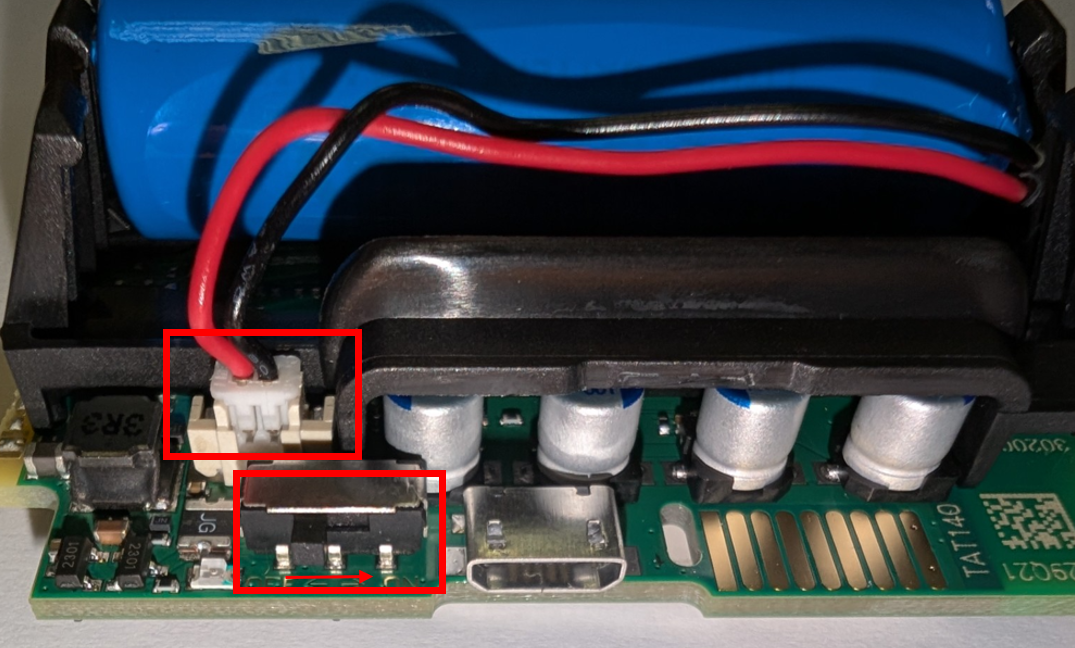
Ensure that the switch is moved to the right (closest to the USB port) to power the unit on.
Step 3.
Place the lid securely back on the unit.
Was this article helpful?
That’s Great!
Thank you for your feedback
Sorry! We couldn't be helpful
Thank you for your feedback
Feedback sent
We appreciate your effort and will try to fix the article